

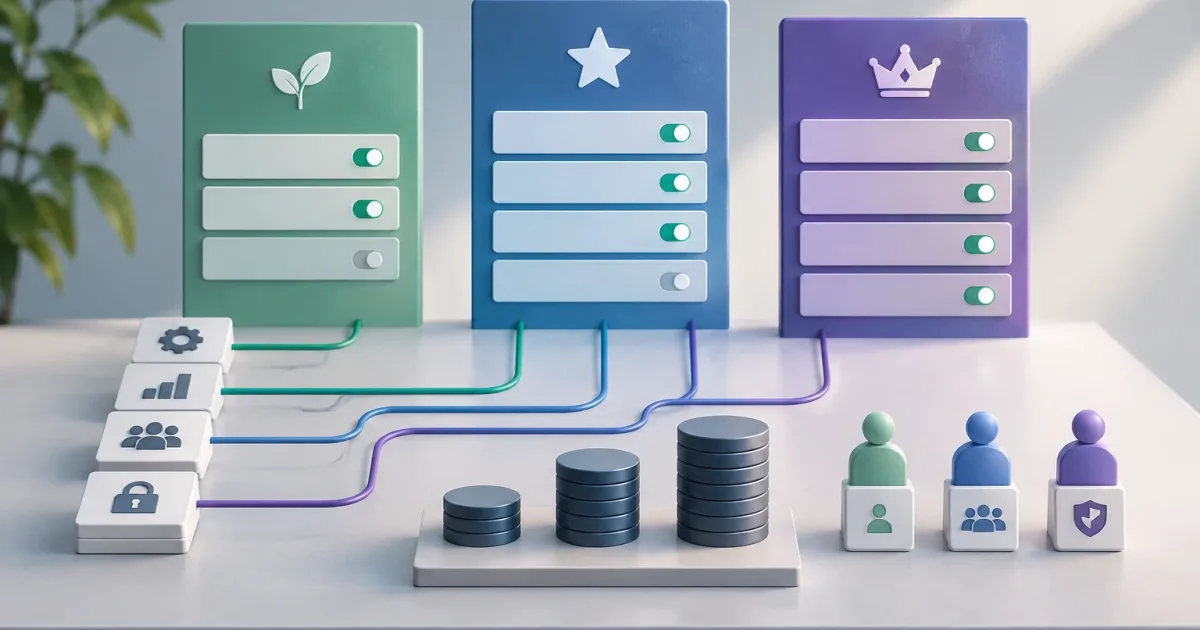
When a SaaS product introduces multiple plans, it can be tempting to handle every difference with a condition in the code: if the customer has the advanced plan, show this option; otherwise, hide it. This approach works at first, but becomes fragile as subscription changes, add-ons, temporary trials, and commercial exceptions arise. The question is no longer which button to show, but what capabilities an account has, who can use them, and under what conditions.
A clear model separates commercial decisions from the rules the product applies. That makes it easier to change the offering, test a transition, and maintain consistent behavior across the interface, API, and internal tasks. This guide outlines criteria for designing that model and recognizing when the existing one needs simplifying.
A plan should not be a direct application rule

A plan is a way to package and sell an offer. It can group capabilities and limits, but it should not become the sole source of truth for deciding whether every operation is allowed. If the application repeatedly checks whether an account belongs to the “Pro” plan, the logic becomes tied to commercial names that may change even when the underlying capability remains.
Instead, translate the subscription into an explicit set of effective entitlements. For example, an account might have exports enabled, a maximum number of projects, and access to an integration. The product evaluates those entitlements, not the marketing label. That way, changing a plan’s name or composition does not require revisiting every part of the application that refers to it.
This separation also makes non-standard offers easier to support. Two accounts on different plans may share a capability, while two accounts on the same plan may differ because one has purchased an add-on. The answer is not to add more conditional branches, but to represent explicitly the outcome the product needs.
Separate features, limits, and permissions
Before choosing an architecture, distinguish four concepts that are often conflated:
- Plan: a commercial offer assigned to an account, with terms and a period of validity.
- Enabled feature: a capability available to the account, such as exporting data or using an integration.
- Usage limit: a maximum quantity or quota that applies to a resource, such as users, projects, or storage.
- Permission: an action a particular person can take within the account, based on their role or settings.
A feature can be included in a subscription and still not be available to every user. Conversely, a user may have permission to manage projects while the account has reached its limit. Authorizing an operation may therefore require checking the account entitlement, the individual permission, and the resource’s state.
Also define what each limit means. “Up to 10 projects” could refer to active projects, projects created during a period, or all existing projects. Clarify when the counter resets, what happens when the maximum is reached, and how you handle data that already exceeds the limit after a plan change. If these rules remain implicit, different teams will make different decisions in screens and processes.
Where to represent the rules
The right location depends on complexity and on who needs to change the offering. For a product with a small number of plans and infrequent changes, version-controlled configuration alongside the application may be enough. It is straightforward to review and test, provided the rules are not duplicated across many places.
If the business needs to adjust plan composition without deploying code, it may make sense to store the catalog and assignments in a manageable data source. This introduces new responsibilities: controlling who can edit the configuration, validating changes, and keeping a history that explains which rules were in effect on a given date. Dynamic editing is not an advantage if any change can leave accounts in inconsistent states.
A third option is for the subscription system to record products, periods, and add-ons, while the product maintains an internal representation of effective entitlements. Avoid having every screen query the billing system directly. Besides coupling components, this can produce different results when synchronization is delayed or fails. Establish the source of truth for each piece of data and how the other system is updated.
With any of these approaches, avoid implementing the same meaning independently in the interface, API, and background processes. Centralize access evaluation in a reusable layer and document its contract. The interface can let users know in advance that an option is unavailable, but the API must validate the operation again; hiding a control does not constitute authorization.
Model changes, transitions, and add-ons
Subscriptions change over time. There may be a future effective date, a trial period, a pending renewal, or a scheduled cancellation. Store the relevant state and dates, and define which entitlements apply before and after the transition. Avoid basing a decision solely on a current label if a change has already been agreed for a later date.
For every plan change, answer these questions explicitly:
- When does the change take effect: immediately, at the end of the period, or on an agreed date?
- What happens to resources that exceed the new limit?
- Do you block the creation of new items, restrict other actions, or require an intervention?
- How is the account administrator informed of the status?
Do not automatically delete or modify data as a generic response to a downgrade. Decide which actions become restricted and how normal operations can resume. For a separately purchased feature, represent the add-on as an independent entitlement, with its own validity period when appropriate. This avoids creating a new plan for every combination.
Customer-specific exceptions: explicit, limited, and reviewable
Exceptions can be legitimate: a pilot, compensation, or contractual requirement. The risk arises when they are implemented as special conditions scattered through the code or as manual changes with no owner or review date.
Record each exception alongside the affected customer or account, the capability or limit being changed, the reason, who approved it, and its validity period. If it is temporary, define from the outset how it expires and what happens afterward. An exception without an end date can become a permanent part of the product even when no one remembers why it exists.
Before adding another exception, consider whether it points to a more general product need. If several accounts need the same add-on, it may be better to offer it as an option. If a rule depends on a contractual obligation, keep it identifiable and separate from the general logic. The goal is for the team to explain and review an account’s status without searching for scattered conditions.
Testing, diagnostics, and migration

Test not only the initial assignment, but also state changes and their effects. At a minimum, cover one enabled feature and one unavailable feature, a limit just before and just after it is reached, a pending plan change, an expiring add-on, and an expired exception. Check that the same decision is applied in the interface, API, and internal processes that create or modify resources.
Log enough information to diagnose why an operation was allowed or rejected: the account, the entitlement evaluated, the relevant limit, and the result. Avoid including unnecessary sensitive data. The message users see can differ from the technical detail, but both should reflect the same effective decision.
Signs that the model needs review include numerous checks against plan names, discrepancies between screens and the API, exceptions with no owner, limits whose meaning no one can explain, or commercial changes that require edits across many parts of the product. To migrate, first inventory the existing rules. Then define entitlements and limits using stable names, centralize evaluation, and compare its results with current behavior in representative cases. Migrate in stages and retain a way to detect differences before removing the old logic.
The practical choice is to model what the product allows, not what the sales team calls each offer. Plans and billing can change; effective capabilities, limits, and permissions should remain understandable, testable, and consistent across every access point.